Download Videos from Rook TV to Watch Offline
Rook TV is a popular free streaming app for Asian drama and movie lovers, offering a wide range of entertainment content with useful features. One of its most convenient features is offline viewing, which allows users to download movies and TV shows to watch later without an internet connection.
In this guide, you will learn how to easily download videos on Rook TV and use the offline playback feature effectively for a smooth and flexible viewing experience anytime, anywhere.
Benefits of the Offline Playback Feature on Rook TV
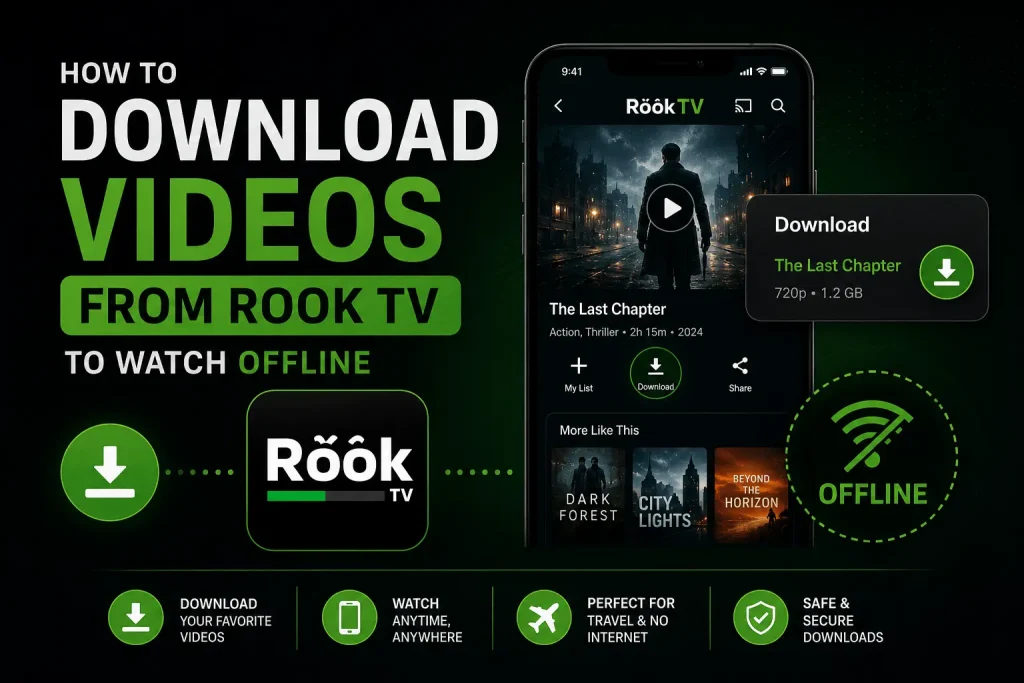
Rook TV’s offline playback feature is especially useful for users who travel frequently or stay in areas with limited internet access. It allows you to download movies and dramas in advance so you can enjoy them later anytime without relying on a stable connection.
Uninterrupted Viewing Experience
With downloaded content, you can watch your favorite movies and shows without buffering, delays, or internet issues. It is ideal for travel, long commutes, or places where network coverage is weak, ensuring smooth and continuous entertainment.
Fixed Video Quality
Before downloading, users can select their preferred video quality. This helps maintain consistent playback quality while watching offline, so you don’t experience sudden drops in resolution due to poor connectivity.
Easy Accessibility
Once downloaded, content can be accessed anytime without an internet connection. This makes it convenient to enjoy entertainment even in remote areas or situations where Wi-Fi or mobile data is unavailable.
Save Data and Battery
Downloading videos over Wi-Fi helps reduce mobile data usage significantly. It also helps save battery life since offline playback consumes less power compared to continuous online streaming.
Overall, the offline playback feature makes Rook TV more flexible, efficient, and user-friendly for everyday entertainment.
Things You Need Before Downloading Videos from Rook TV
Before using the offline download feature on Rook TV, make sure your device meets a few basic requirements. These ensure smooth downloading and proper playback of movies and shows without any issues.
Stable Internet Connection
A reliable internet connection is required to download videos on Rook TV. Without internet access, downloading is not possible. It is recommended to use a strong Wi-Fi or stable mobile data connection to ensure fast and uninterrupted downloads.
Enough Storage Space
Make sure your device has sufficient free storage before downloading any movie or episode. Large video files require space, and low storage may cause errors or incomplete downloads. Keeping at least a few GB of free space is recommended for better performance.
Updated App Version
To access the latest features, including smooth offline downloading, always use the updated version of the Rook TV app. Older versions may not support all functions or may cause performance issues during downloads.
Easy Guide to Download Full Movies from the Rook TV App
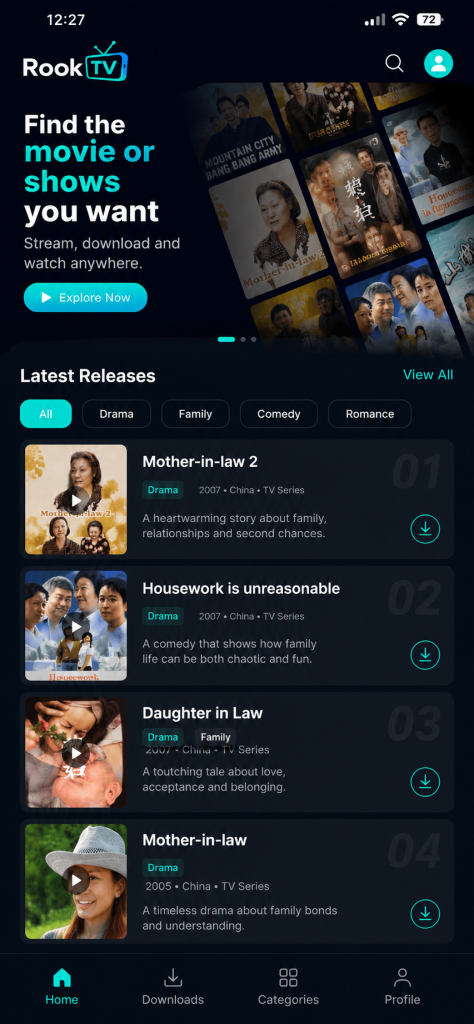
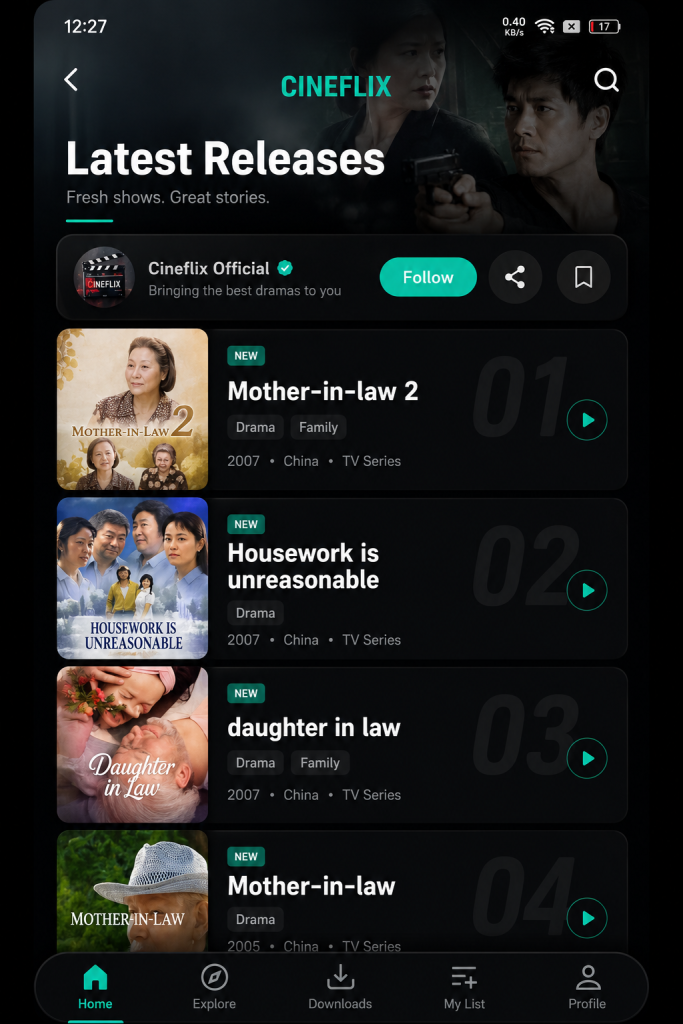
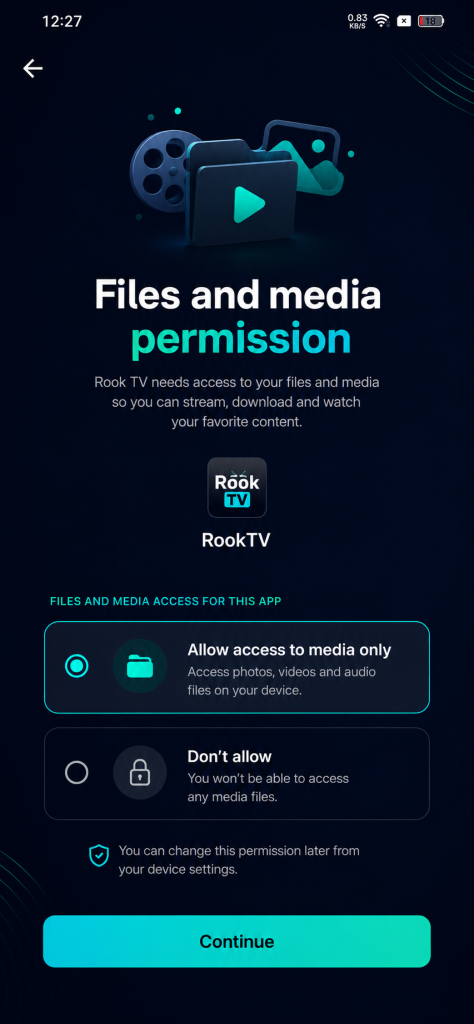
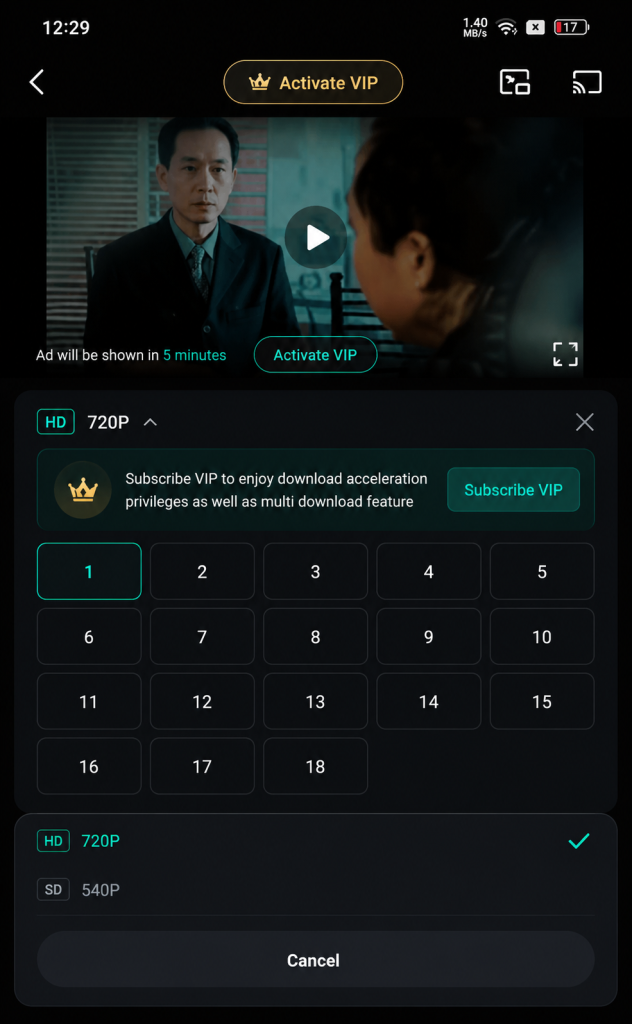
Downloading movies and shows on Rook TV is a simple process that allows you to enjoy offline viewing anytime. Follow the steps below to save your favorite content easily on your device.
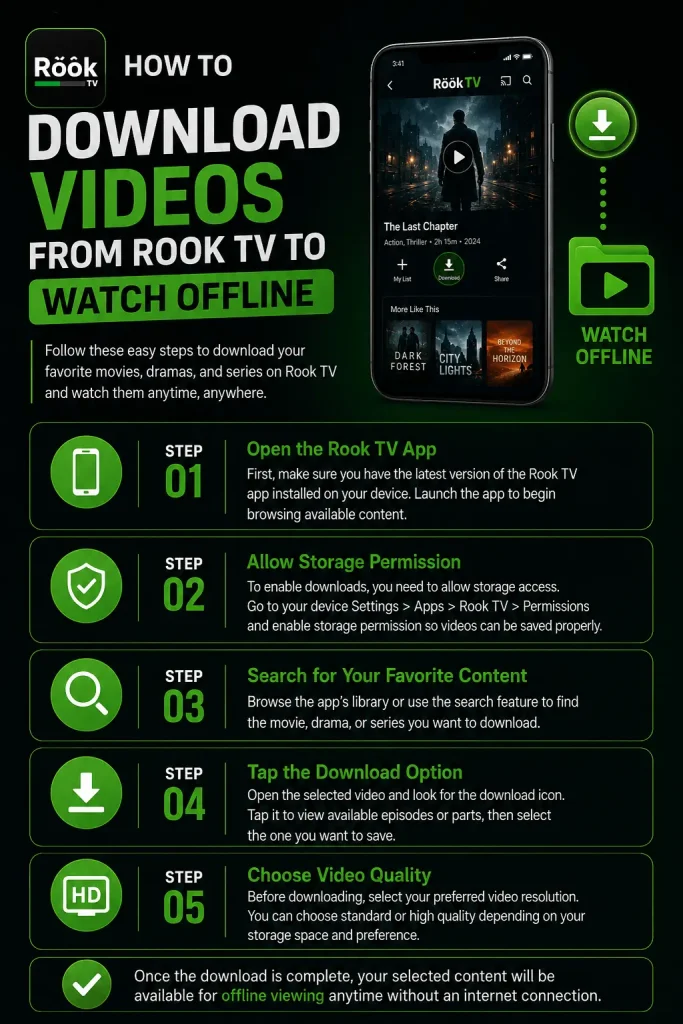
Step 1: Open the Rook TV App
First, make sure you have the latest version of the Rook TV app installed on your device. Launch the app to begin browsing available content.
Step 2: Allow Storage Permission
To enable downloads, you need to allow storage access. Go to your device Settings > Apps > Rook TV > Permissions and enable storage permission so videos can be saved properly.
Step 3: Search for Your Favorite Content
Browse the app’s library or use the search feature to find the movie, drama, or series you want to download.
Step 4: Tap the Download Option
Open the selected video and look for the download icon. Tap it to view available episodes or parts, then select the one you want to save.
Step 5: Choose Video Quality
Before downloading, select your preferred video resolution. You can choose standard or high quality depending on your storage space and preference.
How to Locate Downloaded Videos and Watch Offline?
All videos downloaded from Rook TV can be easily accessed on your device even without an internet connection. You can watch them anytime using your default gallery, file manager, or any supported media player like MX Player or VLC.
You can also find your downloaded content directly inside the Rook TV app. Simply open the app and go to the “Me” section located at the bottom right corner of the screen. From there, tap on the “Downloads” option, where all your saved movies and episodes will be listed.
This makes it easy to manage and enjoy your offline videos anytime without searching through your device storage manually.
Conclusion
Rook TV is a great option for users who enjoy watching Asian dramas, movies, and entertainment content across different genres. Its offline playback feature makes it even more convenient, allowing users to download multiple videos and watch them anytime without an internet connection.
Before downloading, you can also choose your preferred video quality to match your storage and viewing needs. This ensures a consistent experience while watching offline without unexpected drops in quality.
Overall, Rook TV provides a flexible and user-friendly entertainment experience, especially for users who travel often or have limited internet access, making offline viewing one of its most useful features.