Cast Rook TV from Phone to TV
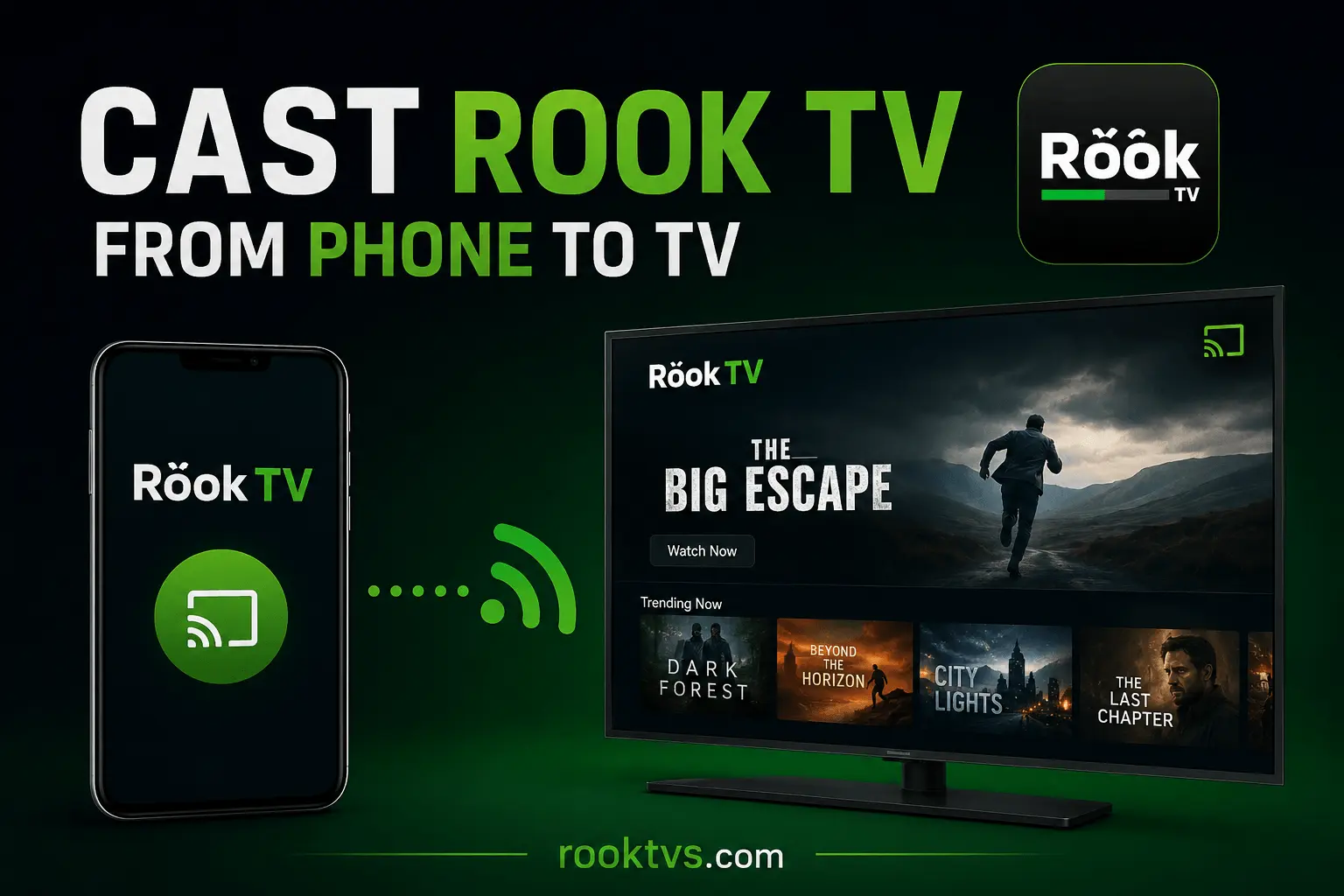
Rook TV is primarily designed for Android smartphones, but users can also enjoy its content on a larger screen using the casting feature. Instead of installing the app directly on your Smart TV, you can easily mirror or cast videos from your phone and watch them on your television with better visibility and comfort.
What is Casting and How Does It Work?
Casting is a wireless method that allows you to stream videos, music, or other media from your mobile device to a Smart TV. It works like a virtual connection between your phone and TV, enabling you to enjoy content on a bigger screen while controlling playback from your phone.
Does Rook TV Support Casting?
Yes, the latest version of Rook TV supports casting on compatible devices. If your TV supports Chromecast or screen mirroring, you can easily connect your phone and stream content directly. For the best experience, always ensure you are using the updated version of the app.
Easy Steps to Cast Rook TV from Phone to TV
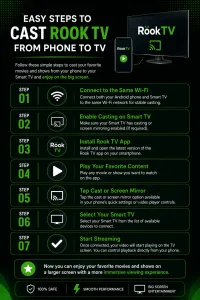
- Step 1: Connect both your Android phone and Smart TV to the same Wi-Fi network for stable casting.
- Step 2: Make sure your Smart TV has casting or screen mirroring enabled (if required).
- Step 3: Install and open the latest version of the Rook TV app on your smartphone.
- Step 4: Play any movie or show you want to watch on the app.
- Step 5: Tap the cast or screen mirror option available in your phone’s quick settings or video player controls.
- Step 6: Select your Smart TV from the list of available devices to connect.
- Step 7: Once connected, your video will start playing on the TV screen. You can control playback directly from your phone.
Conclusion
Casting Rook TV to your Smart TV is a simple and convenient way to enjoy entertainment on a bigger screen without installing extra apps on your television. It saves time, avoids complicated setup, and provides a smooth streaming experience using just your smartphone and Wi-Fi connection.